 Fintel Analytics
How to Find Unused Tables in Snowflake (ACCESS_HISTORY SQL)
Your Snowflake account is full of tables nobody reads, and dbt is probably still rebuilding some of them. Here is the SQL to find them and retire them safely.
To find unused tables in Snowflake, query the SNOWFLAKE.ACCOUNT_USAGE.ACCESS_HISTORY view for the last time each base table was read, then join it to TABLE_STORAGE_METRICS to rank the never-read tables by size. The step most guides skip is excluding your dbt service user from the reads. Otherwise every model your pipeline builds counts as "used" because dbt reads its own upstream tables.
The queries below take about five minutes to run. They need Snowflake Enterprise Edition or higher and a role that can read the SNOWFLAKE database.
Storage is rarely the real cost. A table nobody reads is usually still rebuilt on every dbt run, and it still shows up in every analyst's schema browser. It also still sits in the blast radius of your next access review. A pattern we see repeatedly in growth-stage companies is an account where the number of tables has quietly outgrown the number of people who understand them. Nobody dares drop anything, because nobody can prove it is safe.
Why Can't You Just Check Last Altered to Find Stale Tables?
Because LAST_ALTERED tells you when a table was written, not when anyone last read it. A table that dbt rebuilds nightly looks fresh in INFORMATION_SCHEMA.TABLES even if no human or dashboard has touched it for a year. That is the opposite of what you want to know.
The view that answers the right question is ACCESS_HISTORY. It records access to Snowflake objects such as tables, views and columns within the last 365 days. Latency can be up to 180 minutes, so do not expect a table you read ten minutes ago to show up yet. The view is only available on Enterprise Edition and higher. On Standard edition you are limited to QUERY_HISTORY and text-matching on query_text, which is slower and misses reads that go through views.
The other reason to use ACCESS_HISTORY is the base_objects_accessed column. It resolves views back to the underlying tables, so a table read only through a BI view still counts as read. Matching table names in query text will miss that.

📺 Watch: Manage and Optimize Postgres with Cortex Code
How Do You Find Unused Tables in Snowflake With ACCESS_HISTORY?
This query lists every permanent table older than 90 days that no one except your dbt user has read in the last 90 days. It ranks them by total storage, including Time Travel, Fail-safe and clone-retained bytes. Set the first line to the user your dbt jobs run as.
SET dbt_user = 'DBT_PROD';

WITH reads AS (
  SELECT
    f.value:objectName::STRING AS table_fqn,
    MAX(IFF(ah.user_name = $dbt_user, ah.query_start_time, NULL)) AS last_read_by_dbt,
    MAX(IFF(ah.user_name <> $dbt_user, ah.query_start_time, NULL)) AS last_read_by_others
  FROM snowflake.account_usage.access_history ah,
       LATERAL FLATTEN(input => ah.base_objects_accessed) f
  WHERE ah.query_start_time >= DATEADD('day', -180, CURRENT_TIMESTAMP())
    AND f.value:objectDomain::STRING = 'Table'
  GROUP BY 1
)
SELECT
  s.table_catalog || '.' || s.table_schema || '.' || s.table_name AS table_fqn,
  s.table_created,
  r.last_read_by_dbt,
  r.last_read_by_others,
  ROUND((s.active_bytes + s.time_travel_bytes + s.failsafe_bytes
         + s.retained_for_clone_bytes) / POWER(1024, 3), 2) AS total_gb,
  ROUND(total_gb / 1024 * 23, 2) AS est_monthly_usd
FROM snowflake.account_usage.table_storage_metrics s
LEFT JOIN reads r
  ON r.table_fqn = s.table_catalog || '.' || s.table_schema || '.' || s.table_name
WHERE s.table_dropped IS NULL
  AND s.table_schema <> 'INFORMATION_SCHEMA'
  AND s.table_created < DATEADD('day', -90, CURRENT_TIMESTAMP())
  AND (r.last_read_by_others IS NULL
       OR r.last_read_by_others < DATEADD('day', -90, CURRENT_TIMESTAMP()))
ORDER BY total_gb DESC
LIMIT 100;
The est_monthly_usd column assumes about $23 per TB-month. Published guides put the rate at roughly $23 to $25 per TB-month in AWS US regions, and it varies by cloud, region and contract. Swap in your own rate.
Read the two timestamp columns together:
- Both null: nothing has read this table in 180 days, including dbt. These are your safest drops.
- last_read_by_dbt set, last_read_by_others null: only the pipeline reads it. Either it feeds another model that is itself unused, or it is a legitimate intermediate. This is the bucket that matters most.
- last_read_by_others old but not null: someone used it once. Ask before you drop.
Which Unused Tables Is dbt Still Rebuilding Every Night?
This is where unused tables cost real compute rather than pennies of storage. Run this second query to see which tables dbt writes to most often and how long those writes take. Then cross-reference it against the first list.
SELECT
  f.value:objectName::STRING AS table_fqn,
  COUNT(DISTINCT ah.query_id) AS writes_30d,
  ROUND(SUM(qh.execution_time) / 1000 / 3600, 2) AS write_exec_hours,
  ANY_VALUE(qh.warehouse_size) AS warehouse_size
FROM snowflake.account_usage.access_history ah
JOIN snowflake.account_usage.query_history qh
  ON qh.query_id = ah.query_id
, LATERAL FLATTEN(input => ah.objects_modified) f
WHERE ah.user_name = $dbt_user
  AND ah.query_start_time >= DATEADD('day', -30, CURRENT_TIMESTAMP())
  AND f.value:objectDomain::STRING = 'Table'
GROUP BY 1
ORDER BY write_exec_hours DESC
LIMIT 50;
Any table that appears in both results is a model you are paying to build for nobody. In one audit for a Series A payments company, the biggest offenders were not marts. They were intermediate tables feeding a single mart that had been abandoned after a dashboard rebuild. The mart's only reader was gone, but the chain upstream kept running nightly.
If your project maintains exposures, you can get the same answer from the dbt side without touching the warehouse:
dbt ls --resource-type model --exclude '+exposure:*'
That lists every model that does not feed a declared exposure. It is only as reliable as your exposure coverage, so treat it as a candidate list to compare against the warehouse evidence, not as proof.
Running those queries for one account is fine. Checking every model in a project for hygiene problems is not something you want to do by hand, so fintel-scan is worth a look. It is a free, open-source (MIT) CLI that runs static checks against a dbt project locally, with no warehouse connection: uvx fintel-scan. It covers the code side of the problem, while the SQL above covers the usage side.
How Do You Safely Retire Unused Tables in Snowflake?
Do not run DROP across the whole list. Retire in stages, so the first complaint costs you a rename rather than an incident.
-
Check dependencies. Confirm no view, stream, task or dynamic table references the table. Query SNOWFLAKE.ACCOUNT_USAGE.OBJECT_DEPENDENCIES for the table as the referenced object.
-
Stop the producer first. For a dbt-managed table, set enabled: false on the model or delete it. Removing a model from dbt does not drop the table it built, so you will also need the manual step below. Orphans are born here.
-
Rename, then wait. Rename the table with a clear marker and give it a window:
ALTER TABLE analytics.marts.fct_old_orders RENAME TO analytics.marts.zz_retire_2026_11_fct_old_orders; -
Drop after the window. Thirty days works for most teams. A quarterly finance table needs at least one full quarter.
-
Know your safety net. A dropped permanent table can be recovered with UNDROP during its Time Travel retention period. Fail-safe storage sits behind that and is only accessible through Snowflake support.
That last point catches people out. Dropping a table does not free its storage immediately, because total storage cost includes Time Travel, Fail-safe and zero-copy cloning. Expect the saving to land over the following week or more, not the same day. If a candidate is also a clustered table, retire it sooner, because automatic clustering keeps burning credits on tables nobody reads.
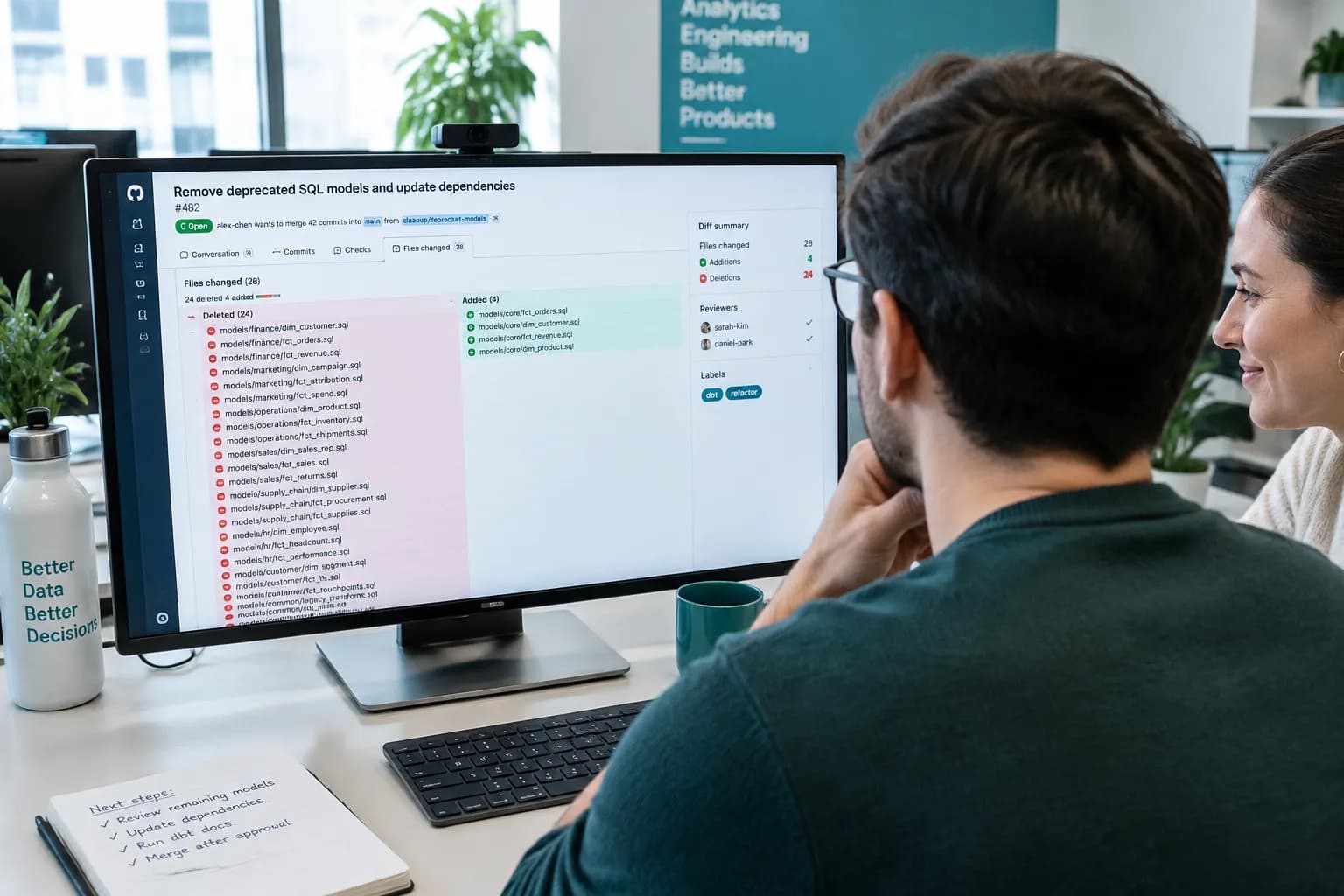
How Do You Find Unused Tables in Snowflake Before They Come Back?
A one-off cleanup decays. Six months later the account looks the same, because the process that creates tables is still faster than the one that retires them. Three controls fix that.
Make the detection a scheduled model. Wrap the first query in a dbt model or a Snowflake task that writes weekly to an ops table. Alert on new rows above a size threshold. It takes under an hour to set up and replaces a quarterly fire drill.
Put an owner on every mart. In your dbt YAML, require meta.owner and meta.retire_review_date on anything materialised as a table in a marts schema. Fail CI if they are missing. A table with no named owner is exactly the table nobody will defend or delete.
Tie tables to consumers. Declare exposures for dashboards, reverse ETL syncs and anything else that reads a mart. If you are also auditing the BI layer, a dashboard sprawl audit is the natural companion: retire the dashboard, and the tables behind it become provably unused.
The outcome to aim for is not an empty account. It is a state where every table in a production schema has a named owner, a known reader and a review date, and the exceptions show up in a weekly report.
Frequently Asked Questions
Q: How do I find unused tables in Snowflake?
A: Flatten the base_objects_accessed column in SNOWFLAKE.ACCOUNT_USAGE.ACCESS_HISTORY to get the last read time per table. Then left-join it to TABLE_STORAGE_METRICS and filter for tables with no reads in 90 days or more. Exclude your dbt service user from the reads, or every pipeline-built table will look used.
Q: Does Snowflake track when a table was last queried?
A: Not as a single column on the table. You derive it from ACCESS_HISTORY, which logs object access for up to 365 days and is available on Enterprise Edition and higher. LAST_ALTERED only records writes, so it is the wrong signal for staleness.
Q: How much does an unused table cost in Snowflake?
A: Storage is typically around $23 to $25 per TB-month in AWS US regions, depending on contract and region, and it includes Time Travel and Fail-safe bytes. The bigger cost is usually compute, when a scheduler such as dbt keeps rebuilding a table nobody reads.
Q: Is it safe to drop a Snowflake table that shows no reads?
A: Not immediately. Check OBJECT_DEPENDENCIES, rename the table first and wait one business cycle. A dropped permanent table can be restored with UNDROP within its Time Travel window. Tables used only for quarterly or annual reporting can look unused for months.
Q: Why does dbt not drop tables when I delete a model?
A: dbt manages the objects it builds, but removing a model from the project does not issue a DROP for the table it previously created. The table stays in the warehouse until someone removes it, which is how orphaned tables accumulate.
Conclusion
To find unused tables in Snowflake you need usage evidence, not modification dates. The hard part is separating real consumers from your own pipeline, then retiring tables in a way you can reverse. At Fintel Analytics we have helped fast-growing fintech, payments and e-commerce teams audit Snowflake and BigQuery accounts end to end. We trace what is read, what is merely rebuilt, and what can go. Then we put the ownership and alerting in place so the clutter does not return. If your team has tables nobody dares delete and a compute bill that keeps climbing, that is a fixable problem, and the first audit usually pays for itself.